Guides

In this section, we have guides on all your technical and video gaming topics. It has two subcategories – Tech guides and gaming guides.

Here you will find how-to articles on all major technical issues. There are also guides to help you in your programming journey like guides to help set up development environment for various languages. We also have articles to help you fix common bugs and issues that may come up for games that you play. There are easy fixes to help you enjoy gaming at its best.

Happy reading.

How to fix Call of Duty: Advanced Warfare Errors: Crash, Lag, Mouse Sensitivity, Stuttering and more
,

How to fix Call of Duty: Advanced Warfare Errors: Crash, Lag, Mouse Sensitivity, Stuttering and more

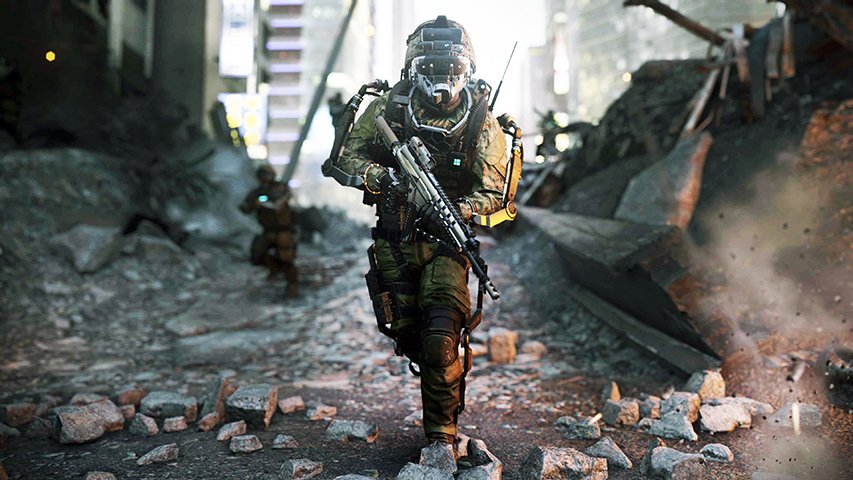
Call of Duty: Advanced Warfare was released for PC in November 2014. It’s over a year but people playing it on the PC platform still face many issues running the game. The game’s plot is set in the future where the world is ruled by private military organizations. You take control of one of the […]
How to fix Call of Duty: Advanced Warfare Errors: Crash, Lag, Mouse Sensitivity, Stuttering and more Read Post »

How to fix Wolfenstein: The Old Blood Errors: Crash, Low FPS, Texture Issues, Stuttering and more
,

How to fix Wolfenstein: The Old Blood Errors: Crash, Low FPS, Texture Issues, Stuttering and more

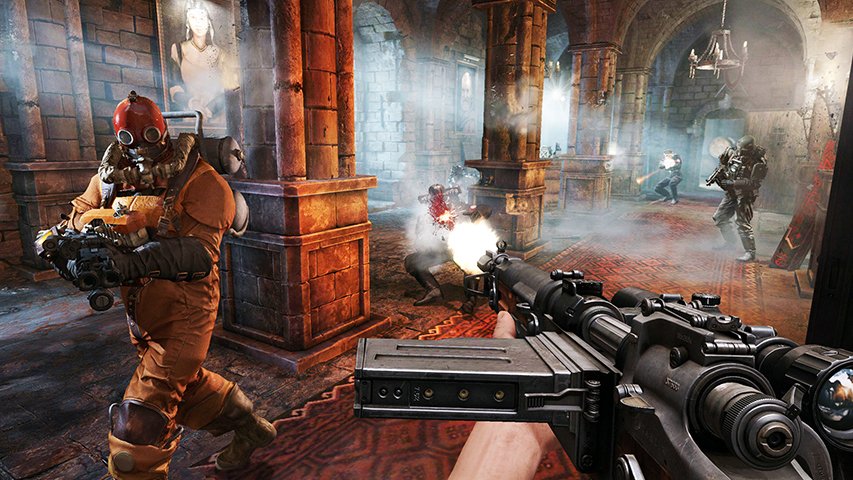
If you are a fan of the classic Wolfenstein games, then you must have liked Wolfenstein: The Old Blood. Basically, the game is a standalone expansion set before The New Order. What’s different is the return of occult elements in the game. BJ once again takes on the SS Paranormal Division with all his strength.

How to fix Wolfenstein: The Old Blood Errors: Crash, Low FPS, Texture Issues, Stuttering and more Read Post »

How to fix Dragon’s Dogma: Dark Arisen: Crash, D3DERR_DEVICELOST Error, Widescreen Issues, Windows Media Player and more
,

How to fix Dragon’s Dogma: Dark Arisen: Crash, D3DERR_DEVICELOST Error, Widescreen Issues, Windows Media Player and more

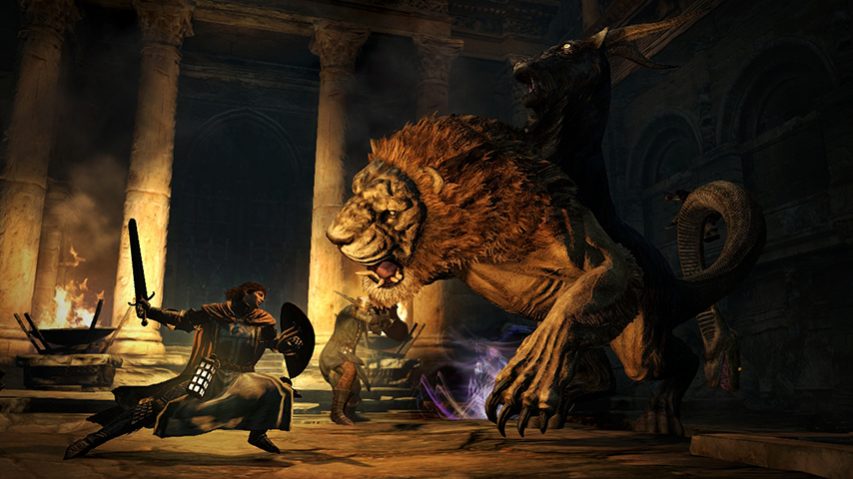
Okay, the day is here. The much awaited action RPG that was already released on consoles years ago has finally made its PC debut. Dragon’s Dogma got positive reviews from the critics as well as fans. Well, it’s time for the PC users to put forward their opinion. Within hours of release, several users have

How to fix Dragon’s Dogma: Dark Arisen: Crash, D3DERR_DEVICELOST Error, Widescreen Issues, Windows Media Player and more Read Post »

How to fix Project Cars Errors: Crash, Low FPS, Stuttering, Language Issue and more

How to fix Project Cars Errors: Crash, Low FPS, Stuttering, Language Issue and more

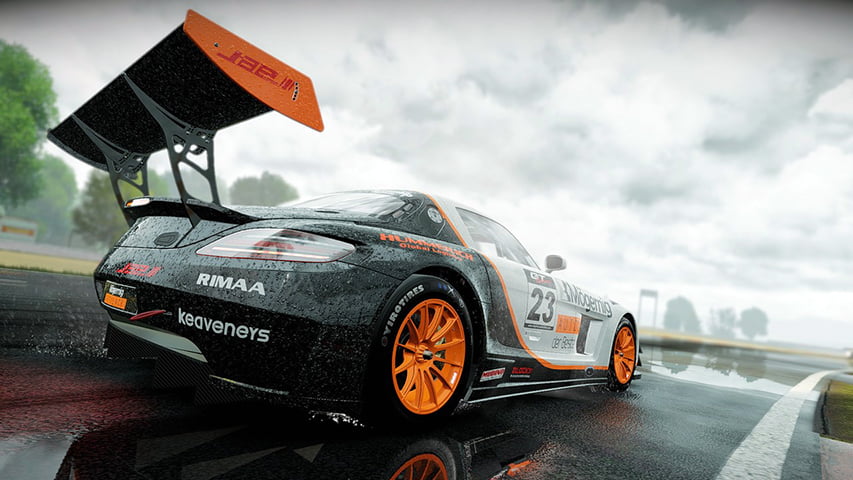
Slightly Mad Studios’ Project CARS is one of those racing simulators that look totally awesome on PC. At 4K resolution, the game blurs the line between video game simulation and real life. It was released back in May 2015 on PC.   Many gamers have reported of lag, crash, stuttering and other issues that have

How to fix Project Cars Errors: Crash, Low FPS, Stuttering, Language Issue and more Read Post »

How to fix Smite Errors: Crash, HirezUIlauncher has stopped working, Net Framework Issue and more
,

How to fix Smite Errors: Crash, HirezUIlauncher has stopped working, Net Framework Issue and more

Smite, the popular online battle arena game from Hi-Rez Studios was released in March 2014. Since then the game witnessed millions of players flocking to play it. It’s a free to play title with descent graphics and fun gameplay. What else do we need? But what if issues like crash and black screen prevent us

How to fix Smite Errors: Crash, HirezUIlauncher has stopped working, Net Framework Issue and more Read Post »

How to fix Tales of Zestiria Errors: Crash, Bug, Distorted Text, Black screen and more
, , , ,

How to fix Tales of Zestiria Errors: Crash, Bug, Distorted Text, Black screen and more

Bandai Namco released the latest Tales of game last in October 2015 for PC. And here we are with tips to fix Tales of Zestiria errors for PC. The title was on the product list of Steam for almost two months. The critics as well as fans have praised Tales of Zestiria. It is the

How to fix Tales of Zestiria Errors: Crash, Bug, Distorted Text, Black screen and more Read Post »

How to fix Divinity: Original Sin - Enhanced Edition Errors: Crash, Bug, Black screen more
,

How to fix Divinity – Original Sin – Enhanced Edition Errors: Crash, Bug, Black screen more

Larian Studios released the Enhanced Edition of their critically acclaimed RPG, Divinity: Original Sin in October 2015. For those who are new, Divinity: Original Sin is a classic style RPG with multiplayer elements. It was highly praised by IGN and other major critics when it came out back in 2014. Now, the ones who have

How to fix Divinity – Original Sin – Enhanced Edition Errors: Crash, Bug, Black screen more Read Post »

How to fix StarCraft II: Legacy of the Void Errors: Crash, BLZBNTAGT0000096A Error, Login Errors, Stuttering and more
, ,

How to fix StarCraft II: Legacy of the Void Errors: Crash, BLZBNTAGT0000096A Error, Login Errors, Stuttering and more

StarCraft II: Legacy of the Void was released in November 2015. It will be the last expansion to the popular StarCraft II legacy. Before launch, the game underwent a long beta testing period. Despite of this, the PC version suffers from several issues.   We are back once again with this new error fixing guide.

How to fix StarCraft II: Legacy of the Void Errors: Crash, BLZBNTAGT0000096A Error, Login Errors, Stuttering and more Read Post »

Windows 10 Guide
, ,

How to Fix Error C1900101-20017 During Windows 10 Installation

This guide shows you how to fix Error C1900101-20017 during Windows 10 installation. While installing Windows 10 users may get the Blue Screen of Death Error C1900101-20017. This error appears when the installer restarts the PC after starting the upgrade process. The error occurs as a result of some fault in BIOS setting. So now follow

How to Fix Error C1900101-20017 During Windows 10 Installation Read Post »