Tech

Windows 10 Guide
, , ,

How to Fix NETAPI32.DLL is Missing Error in Windows 10

The NETAPI32.DLL is Missing Error can appear due to many reasons. Below you will find out how to fix NETAPI32.DLL is Missing error in Windows 10. The Netapi32.dll may have been corrupted or damaged by malware. The error may also appear if the files has been deleted or updated by any application. Most games and […]

How to Fix NETAPI32.DLL is Missing Error in Windows 10 Read Post »
Fix “A Component of the Operating System Has Expired” Error
,

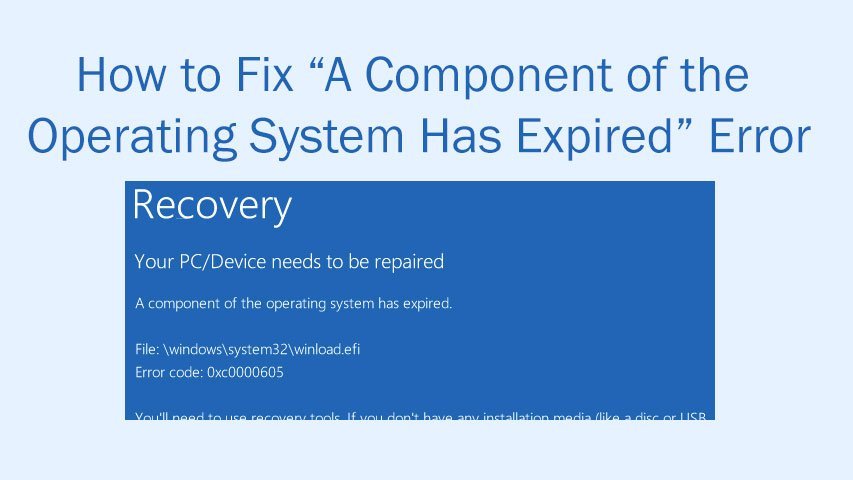
How to Fix “A Component of the Operating System Has Expired” Error

While installing Windows 10 some users get A component of the operating system has expired error. In this article we will show you How to Fix “A Component of the Operating System Has Expired” Error. How to Fix “A Component of the Operating System Has Expired” Error in Windows 10 Prerequisite before we proceed: Get the

How to Fix “A Component of the Operating System Has Expired” Error Read Post »

How to Fix MSVCP120.dll Missing Error
, , , ,

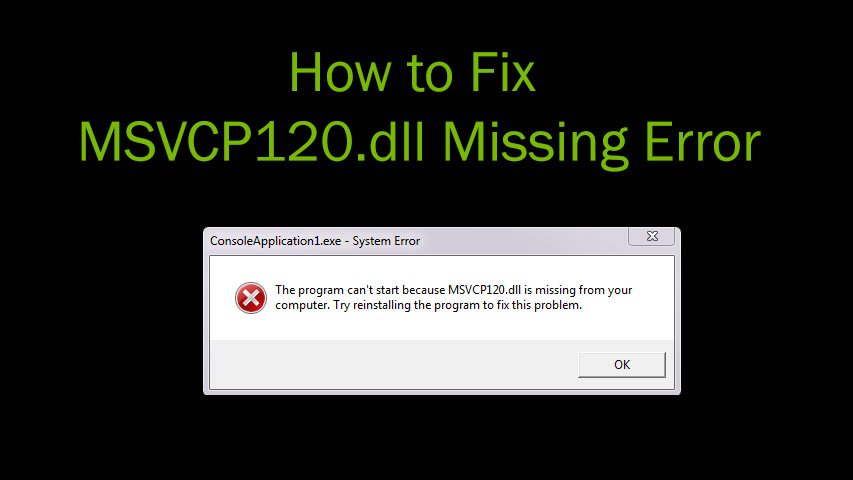
How to Fix MSVCP120.dll Missing Error in Window 7/ 8/ 8.1

If you are searching how to fix MSVCP120.dll Missing Error, you are at the right place. You may get the MSVCP120.dll Missing Error for some games or applications which require the dll file to function properly. The error may be appearing because a newer version of the game or application has been installed after uninstalling

How to Fix MSVCP120.dll Missing Error in Window 7/ 8/ 8.1 Read Post »

Windows 10 Guide
, , ,

How to Fix d3dx9_43.dll Missing Error in Windows 10

How to Fix d3dx9_43.dll Missing Error in Windows 10. Microsoft upgraded the Direct X version to DirectX 12 in Windows 10. The d3dx9_43.dll Missing Error in Windows 10 appears like The program can’t start because d3dx9_43.dll is missing from your computer. Try reinstalling the program to fix this problem. So the graphics performance got enhanced

How to Fix d3dx9_43.dll Missing Error in Windows 10 Read Post »
Windows 10 Guide
, ,

How to Fix Error C1900101-20017 During Windows 10 Installation

This guide shows you how to fix Error C1900101-20017 during Windows 10 installation. While installing Windows 10 users may get the Blue Screen of Death Error C1900101-20017. This error appears when the installer restarts the PC after starting the upgrade process. The error occurs as a result of some fault in BIOS setting. So now follow

How to Fix Error C1900101-20017 During Windows 10 Installation Read Post »