How to fix Street Fighter V Errors
,

How to fix Street Fighter V Errors: UE4-KiwiGame Crash, Fightstick Issue, Lag, Freeze, Server Error, Game doesn’t start and more

The fifth main iteration in the long running fighting franchise has been released on PC. Street Fighter V launches with 16 characters, four of which make their debut with this entry. One of coolest features of Street Fighter V is that it features cross-platform play between PC and PS4 users. But that only works if

How to fix Street Fighter V Errors: UE4-KiwiGame Crash, Fightstick Issue, Lag, Freeze, Server Error, Game doesn’t start and more Read Post »

Android Marshmallow Update for Samsung Galaxy S6
, , , ,

Android Marshmallow Update for Samsung Galaxy S6 Starts today

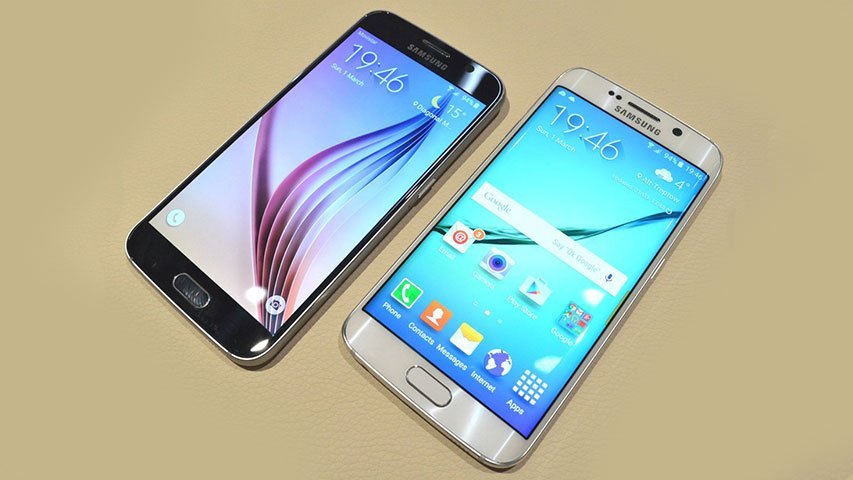
Samsung starts releasing Android Marshmallow update for Samsung Galaxy S6 today, 15th February. Samsung made the available for the Galaxy S6 and S6 Edge. However no updates have come yet regarding the update for other devices. Some of the Features of Android Marshmallow Update for Samsung Galaxy S6 and S6 Edge The Android Marshmallow update

Android Marshmallow Update for Samsung Galaxy S6 Starts today Read Post »

How to fix Pillars of Eternity Errors
,

How to fix Pillars of Eternity Errors: Crash, Black Screen, Poor FPS, Freezing, Stuttering and more

Pillars of Eternity is one of the greatest RPG games ever developed. It comes from the Fallout: New Vegas and South Park: The Stick of Truth developer, Obsidian Entertainment. The White March II expansion was released on February 2016. The game has a few issues which the players have complained about. TheTech52 has compiled a

How to fix Pillars of Eternity Errors: Crash, Black Screen, Poor FPS, Freezing, Stuttering and more Read Post »

Windows 10 Guide
, , , ,

How to Add Application to Windows Desktop Right Click Menu

Here we will find out how to add application to Windows desktop right-click menu. If you are thinking of removing the extra shortcut icons from your desktop and add those applications to the right-click menu, this article will help you. The method described will work for Windows 7, 8 and 10. So let’s see how

How to Add Application to Windows Desktop Right Click Menu Read Post »